Linux desktop accounting
Accounting made clear.
LedgerSL brings your accounts, customers, suppliers, stock, and jobs together in one desktop application.
The Linux version is free and fully functional. Your company data stays in a local SQLite database, with one active user at a time and no separate database server.
Linux release 2026.10.04-1 · October 4, 2026
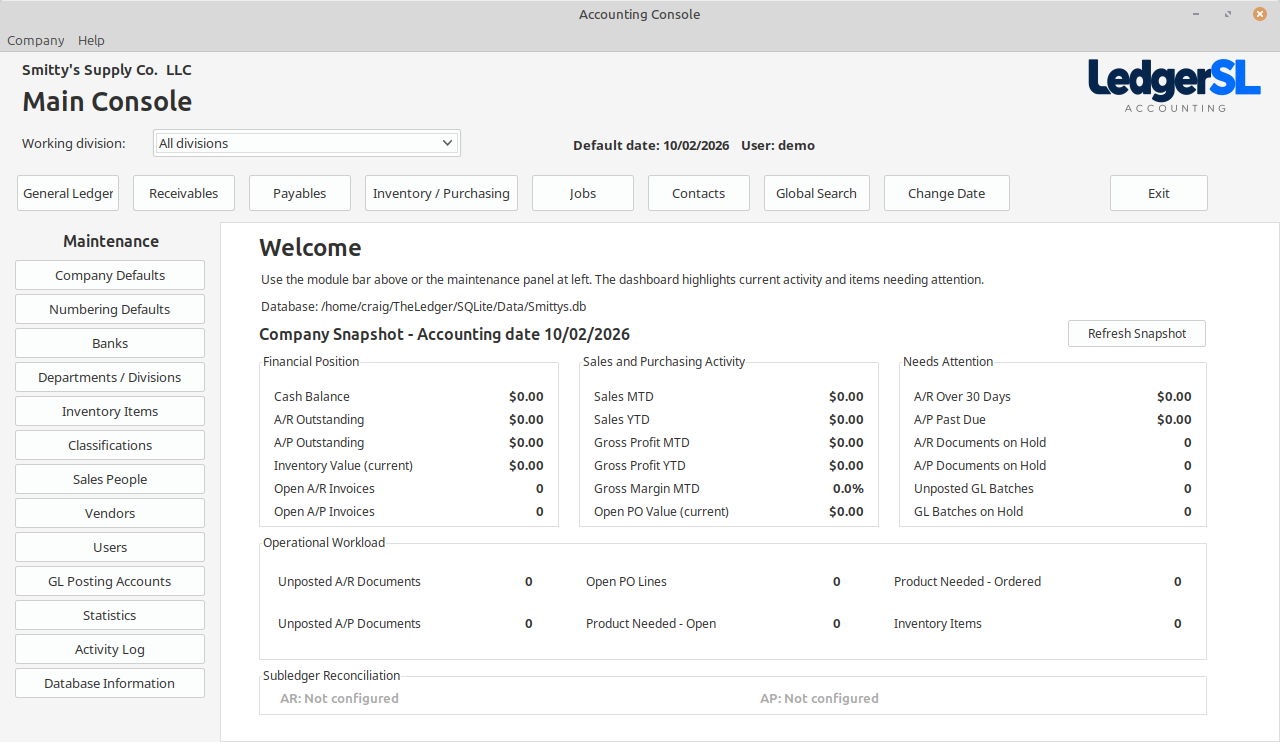
What you can do
- Main Console & Setup
- Company defaults, numbering, locations, departments, users, posting accounts, audit tools, and a live company snapshot.
- General Ledger
- Batches, period control, account activity, financial reporting, and bank reconciliation in one dependable workflow.
- Receivables
- Order entry, invoicing, customer payments, aging, histories, and practical drill-down when details matter.
- Payables
- Vendor invoices, recurring bills, payment preparation, check printing, 1099 support, aging, and vendor history.
- Inventory & Purchasing
- Purchase orders, receiving, transfers, allocations, product-needed tracking, price changes, and inventory reporting.
- Job Costing
- Organize job income and expenses and keep transaction detail connected to the work it belongs to.
- Contacts
- Keep customer, vendor, and business contacts organized with their related accounting activity close at hand.
Now developing LedgerPG
Our flagship PostgreSQL edition.
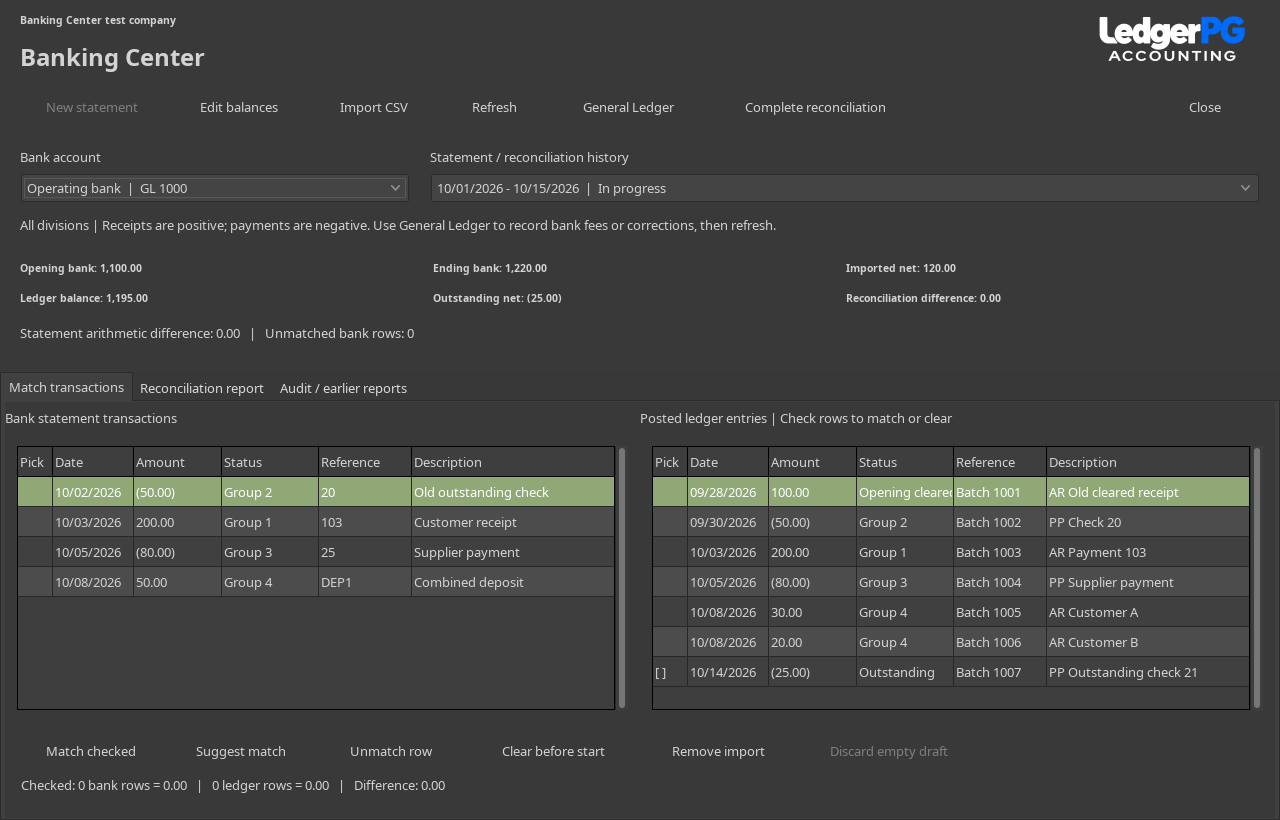
LedgerPG brings the familiar Ledger desktop workflow to a shared PostgreSQL database. Recent work adds a Daily Work List, automatic backups, Banking Center, recurring transaction drafts, budgets versus actuals, Collections follow-ups, and a 13-week cash-flow forecast with visible assumptions.
Explore LedgerPG · Banking Center · Recurring transactions · Budgets versus actuals · Collections · Cash-flow Forecast
Start small. Keep the detail.
Begin with one location (a division), or track sales and expenses by division and for the whole company. Review transactions before posting and follow reports back to the supporting records.
The download includes a sample company with multiple locations, a clean company template, and offline help. Developed on Linux Mint, LedgerSL supports light and dark desktop themes.
About the SQLite edition · Source code and custom development
Learn LedgerSL
- Start Here — install, connect, and explore the sample company.
- User guide — setup and everyday work, organized by topic.
- User manual (PDF) — an illustrated reference to save or print.
- A worked business example — follow a purchase through to a customer payment.
- Help and support — backups, common questions, and troubleshooting.
A quick question
Linux or Windows?
Which version of LedgerSL would you prefer to use? Your response helps guide development priorities.
No name or email required. About this survey
Questions or feedback?
Tell us what worked, what was confusing, or what you need. This form opens a draft in your email program for you to send.